
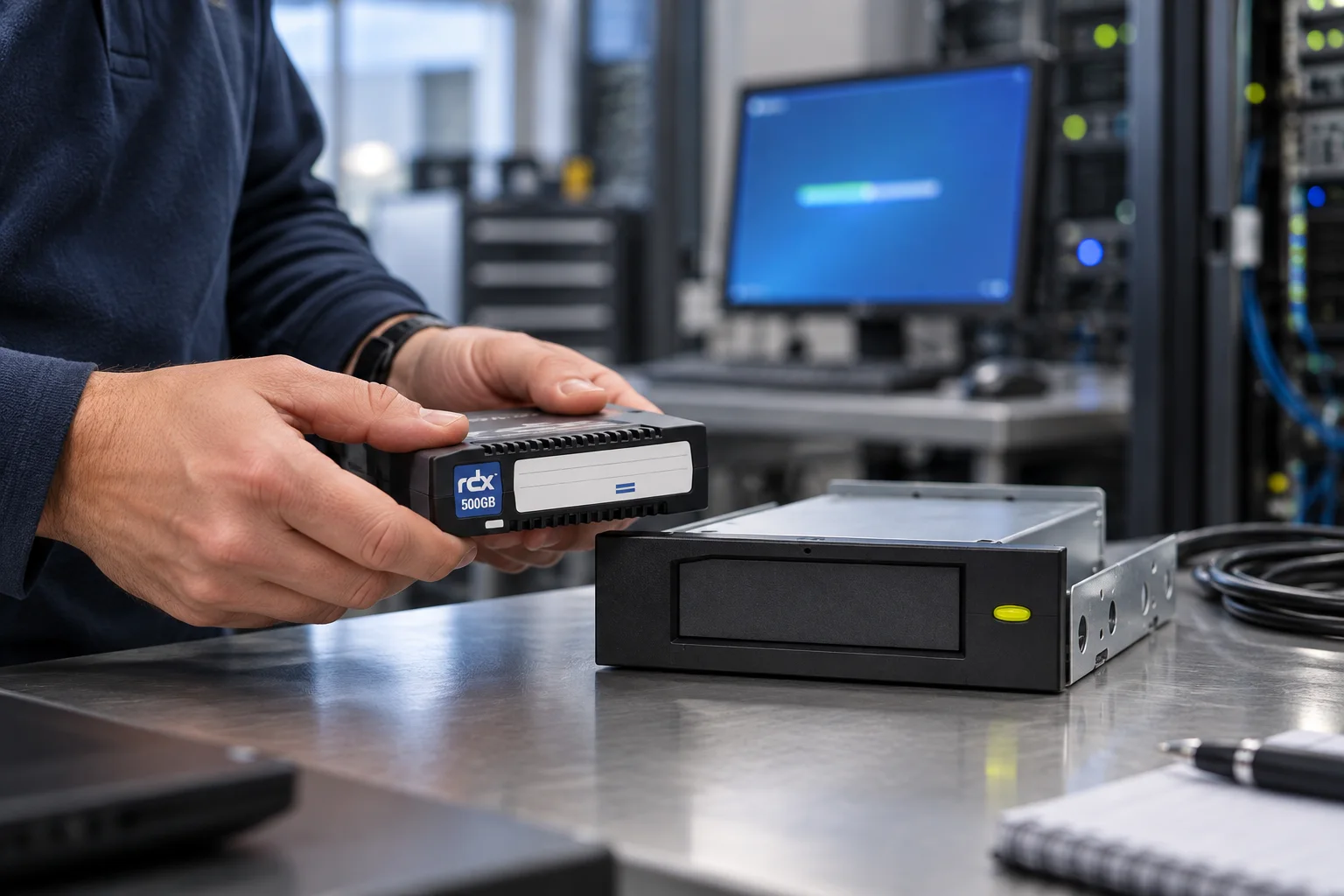
For a small organisation, the best backup design is often the one a real person can run and test without a specialist recovery team. Pairing Veeam Agent with removable RDX media can support that approach, but only when the media process is designed as carefully as the backup job.
Start with an outcome, not a schedule
Decide what a successful recovery looks like. A laptop may need its working environment back after replacement hardware arrives. A small server may need an application, its data and its configuration returned in the right order. These are different recovery objectives, even if both are described as “a backup”.
Write down the protected scope, acceptable data loss and acceptable outage. This provides the basis for a sensible schedule and prevents a routine from quietly omitting critical data.
Treat removable media as a controlled handover
Veeam Agent can use removable storage in a backup workflow, but software scheduling does not manage the physical handover for you. Give each medium an identifier; record when it was used; state who removes it after a successful run; and define its approved off-site destination.
A modest rotation is easier to maintain than a complicated one. The key is that the most recent validated copy is not overwritten before another copy has been checked, and that at least one recovery copy is governed separately from the protected system.
Put recovery evidence into the routine
Build the first test into deployment. Recover a selected file, confirm that it opens correctly and record the total time. Then plan a broader test appropriate to the system: booting recovery media, restoring an operating-system volume, or recovering a representative service in an isolated environment.
The test record should include the backup point used, media identifier, operator, start and finish time, result, and action needed. It turns a backup status message into evidence that people can use the process.
Design for the ordinary exceptions
The routine needs an answer for the situations that are not dramatic but still break backup: the scheduled medium is unavailable, capacity is exhausted, a job fails during leave, or the protected machine has been replaced. Define the owner of the alert, the conditions for using a spare medium, how the rotation is returned to a known state, and when an additional restore test is required.
This protects the last verified copy from being overwritten as a convenient workaround. It also gives a small team a repeatable way to recover from a missed handover without losing sight of the wider recovery plan.
Keep recovery dependencies outside the protected machine
The recovery record should name the job, media register, owner and approved storage location. Keep recovery media, access instructions and any encryption-related recovery material under controlled, separate custody. A label is useful for identifying a cartridge; it is not a safe place for credentials or sensitive system details.
Where the design needs product, connection or software validation, link to the corresponding published Tandberg Data Veeam page in the reader’s language. This article deliberately remains a local operating pattern, rather than a compatibility matrix or a vendor overview.
Questions to settle before production use
- Is the selected Veeam Agent edition and version suitable for the intended target and policy?
- Is the RDX medium recognised and available when the job is due to run?
- Where are recovery media, credentials and any encryption material held?
- What happens when the scheduled medium is missing or full?
- Who reviews failed-job notifications and who authorises reuse of a medium?
Check the current Veeam documentation and the exact hardware/software compatibility before deployment. The purpose of the workflow is repeatable recovery, not a generic product claim.
Keep the design proportionate
This pattern works well where local recovery, accountable media handling and a manageable rotation are priorities. As the protected estate grows, revisit the backup window, retention, off-site custody and recovery objectives. The original routine then becomes a tested building block rather than a workaround that has outlived its environment.
Continue the recovery plan
Use the offline media rotation guide to define handovers, then apply the restore-testing checklist to collect evidence from the routine.
What the pilot must prove
A pilot is not complete because its first job reports success. It is complete when a nominated operator can read the register, find the intended medium, restore the agreed scope and obtain acceptance from the data owner inside the target time. Confirm that a known, separated copy remains available after the exercise. That proof turns a technical demonstration into a recovery routine.
Revisit the routine when the environment changes
A new application, growing data set, changed staff member or retention rule changes the risk. A quarterly review of the register, alerts and latest test exposes drift before an incident does. If the design has become more complex, move to a product or architecture validation on the main site; keep this blog article as the operating method.
Share this guide