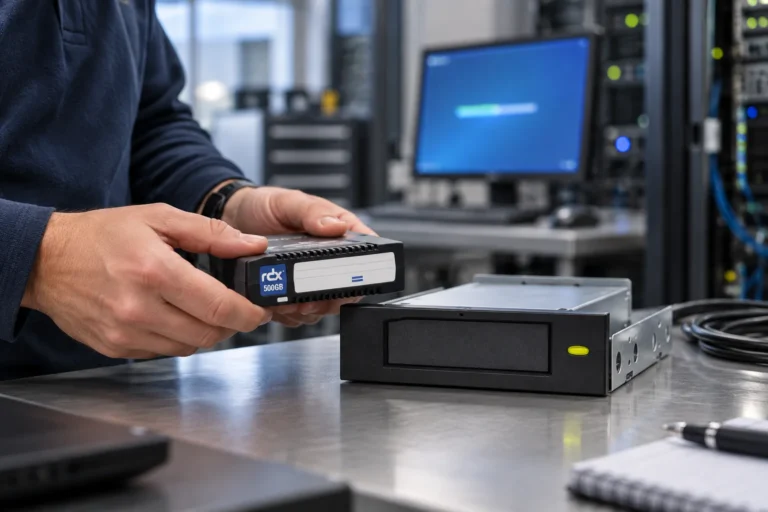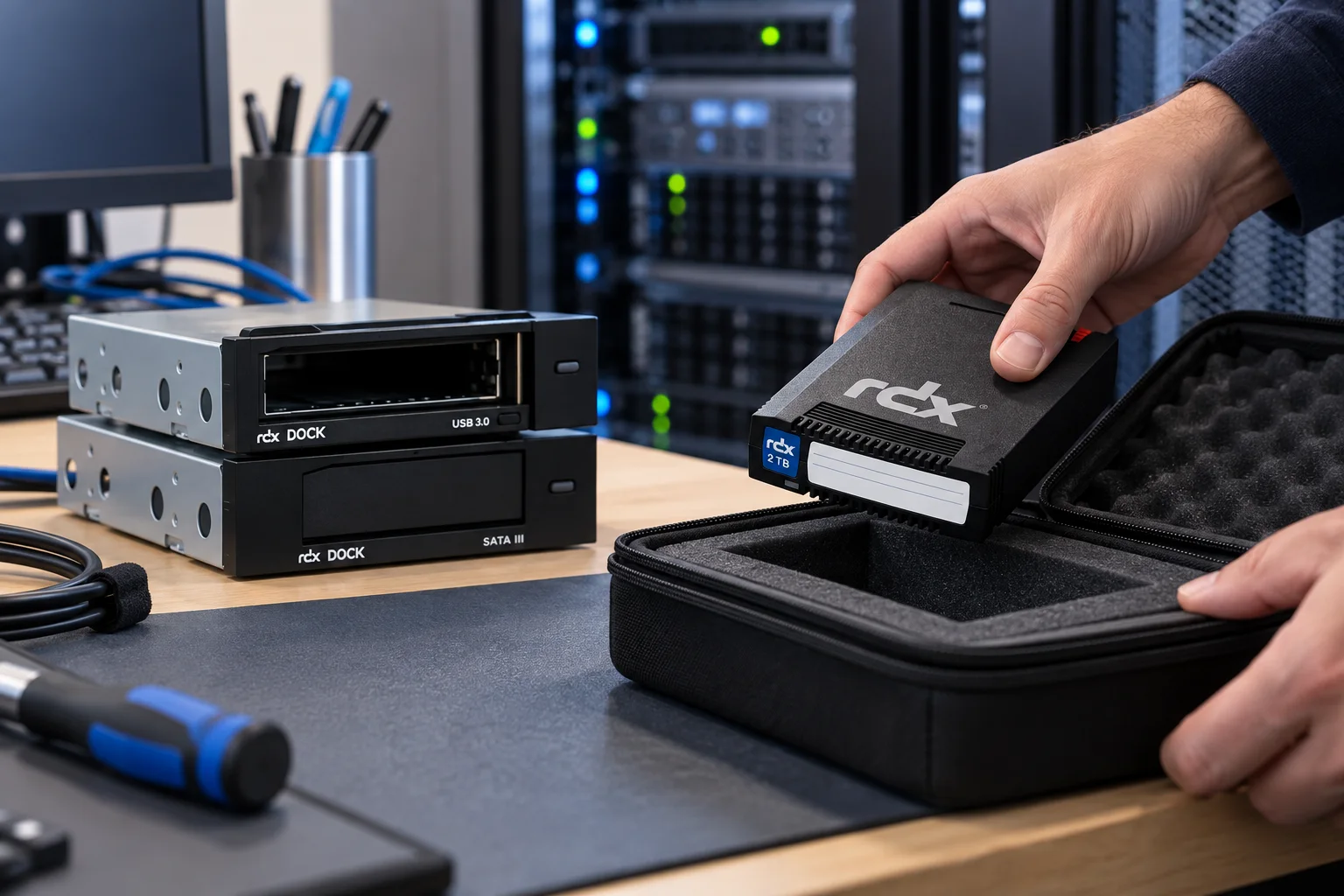
An offline copy is not a checkbox in a backup console. It is a copy that has passed the organisation’s release checks, been physically removed from the connected workflow, recorded in custody and retained in a state from which recovery can be demonstrated. In a Veeam and RDX scenario, the backup platform can coordinate the data operation; the team is still responsible for making the physical separation real.
That distinction matters when a backup result is under pressure. A successful job is valuable evidence, but it is not proof that the intended medium was removed, that it is elsewhere, or that a colleague can restore from it without the usual administrator and infrastructure.
This is an operational guide, not a compatibility statement. Before any live deployment, check the current Veeam documentation and the relevant Tandberg Data compatibility information for the exact Veeam release, operating system, repository type, interface, RDX model, firmware, formatting, encryption, retention and rotation design.
Begin with the recovery role of the copy
Define what the removable copy is meant to achieve. It may preserve a weekly recovery point away from the main site, provide a locally recoverable copy for a branch, or give the incident team a copy that is not left in the normal connected path. These uses have different requirements for timing, media count, custody and recovery hardware.
Also define the protected scope in terms that a recovery exercise can test. The scope may contain application data, configuration, a physical or virtual system image and the dependencies needed to access the result. A job name is not a coverage guarantee. It is simply a useful reference in the control record, alongside evidence that the agreed recovery scope was actually restored.
Separate platform responsibilities from media responsibilities
Veeam controls the backup configuration, repositories, schedules, retention behaviour and restoration operations chosen for the environment. RDX gives the team a removable physical medium that can be assigned an identifier, released from the drive, placed under custody and later returned to a rotation.
Neither side solves the other side’s problem. A well-labelled cartridge cannot compensate for an unvalidated backup configuration. A correctly configured job cannot create an air gap while the selected media remains connected or unaccounted for. The operating process must join the two.
This is particularly important where an environment uses rotated-drive repository behaviour. Current Veeam documentation describes specific requirements and limitations for that repository type. Do not copy settings from another environment, assume that a media-handling method applies to every repository, or treat an older deployment note as proof of support today.
Establish release gates before the first production rotation
Agree the recovery scenario
Write down the scope to be recovered, the expected time window and the person who confirms that the result is usable. This gives the rotation a business purpose and prevents a “successful” technical task from becoming the only acceptance criterion.
Validate the proposed architecture
Check the exact product and software combination in the current official documentation before operating it. The validation belongs to the production environment, not to a generic article: versions, repository design, operating system, interfaces and relevant security settings can all change the answer.
Plan the media cycle with a reserve
The rotation must leave the team able to run the next planned job while another verified copy is held separately or selected for a test. Identify the media roles, the return dates and an operational spare. The article on backup-media sizing can be linked when its localised version is published.
Name the people who can release and retrieve media
Specify who reviews the backup result, who may remove the RDX medium, who receives it under custody and who follows overdue or exceptional items. Add a named cover person. Without this, the routine can stop when one person is absent or, worse, an unconfirmed item can be reused to avoid a missed schedule.
Prepare the recovery dependencies
A recovery may require hardware, backup-software access, permissions, instructions and, where applicable, encryption material managed through the organisation’s approved method. These dependencies cannot exist only on the system that may have failed.
Operate a simple release-and-return loop
The routine can be short, provided every step has an observable result.
- Review the planned job. Check the intended result and investigate relevant alerts before declaring the copy ready for removal.
- Protect another known-good copy. Do not make the removable medium the only available recovery option while it is being moved or tested.
- Release the designated medium. Match its permanent identifier to the rotation record and remove it only at the authorised point in the workflow.
- Record custody. Note the backup-set reference, review status, release time, responsible person, expected location and earliest reuse date.
- Keep the copy separate. The value of the routine depends on the actual custody arrangement, not on calling a medium “offline”.
- Return deliberately. Before reuse, check the register, the medium’s status and any outstanding exception. A late, suspect or investigation-held item should not silently re-enter the cycle.
Use an offline-copy control card
This table can be created in a Gutenberg Table block or maintained in the organisation’s existing register. It is an operating aid; it does not store credentials or prove legal compliance.
| Control point | Evidence to record |
|---|---|
| Media and rotation | Which permanent media ID was selected? |
| Backup-set reference | Which expected copy and date does it represent? |
| Review outcome | Who examined the result and relevant alerts? |
| Physical removal | When was the medium released and by whom? |
| Separated custody | Who or what location acknowledged receipt? |
| Approved reuse | When may the medium re-enter the rotation? |
| Exception | What must be resolved before the next action? |
The card is useful only when another authorised operator can read it and act on it. Keep it factual and avoid putting sensitive content descriptions or access material on a media label.
Treat exceptions as part of the design
Missing media, an overdue handover, an unexpected warning or a recovery investigation are reasons to use the exception process, not to improvise. The process should say who decides whether the item remains protected, whether a spare can be used and how the normal rotation is restored. It should also keep the last known-good copy safe while the question is resolved.
Do not record an item as offline simply because it was scheduled to leave. Its status should reflect the facts: released, received, delayed, unavailable, under investigation or authorised for reuse. Depending on the data and organisational rules, a media event may also require separate internal escalation.
Prove the offline copy by restoring from it
Choose a representative, retained medium rather than always testing the most recent job from the usual infrastructure. Retrieve it using the documented route, prepare the agreed recovery context, restore a meaningful scope and obtain business confirmation that the result can be used. Measure the full journey: request, location, collection, preparation, recovery and acceptance.
The findings may concern the media process, Veeam configuration, recovery dependencies or responsibilities. Correct the actual cause and repeat the affected part of the test. That is how an offline-copy routine earns its place in the recovery plan.
Use the air-gap guide and restore-testing checklist to complete the operating model. Link the off-site storage procedure once it is published in the same language. For a specific Veeam and RDX design, direct the reader to the localised Tandberg Data Veeam and compatibility pages for validation.
Share this guide